
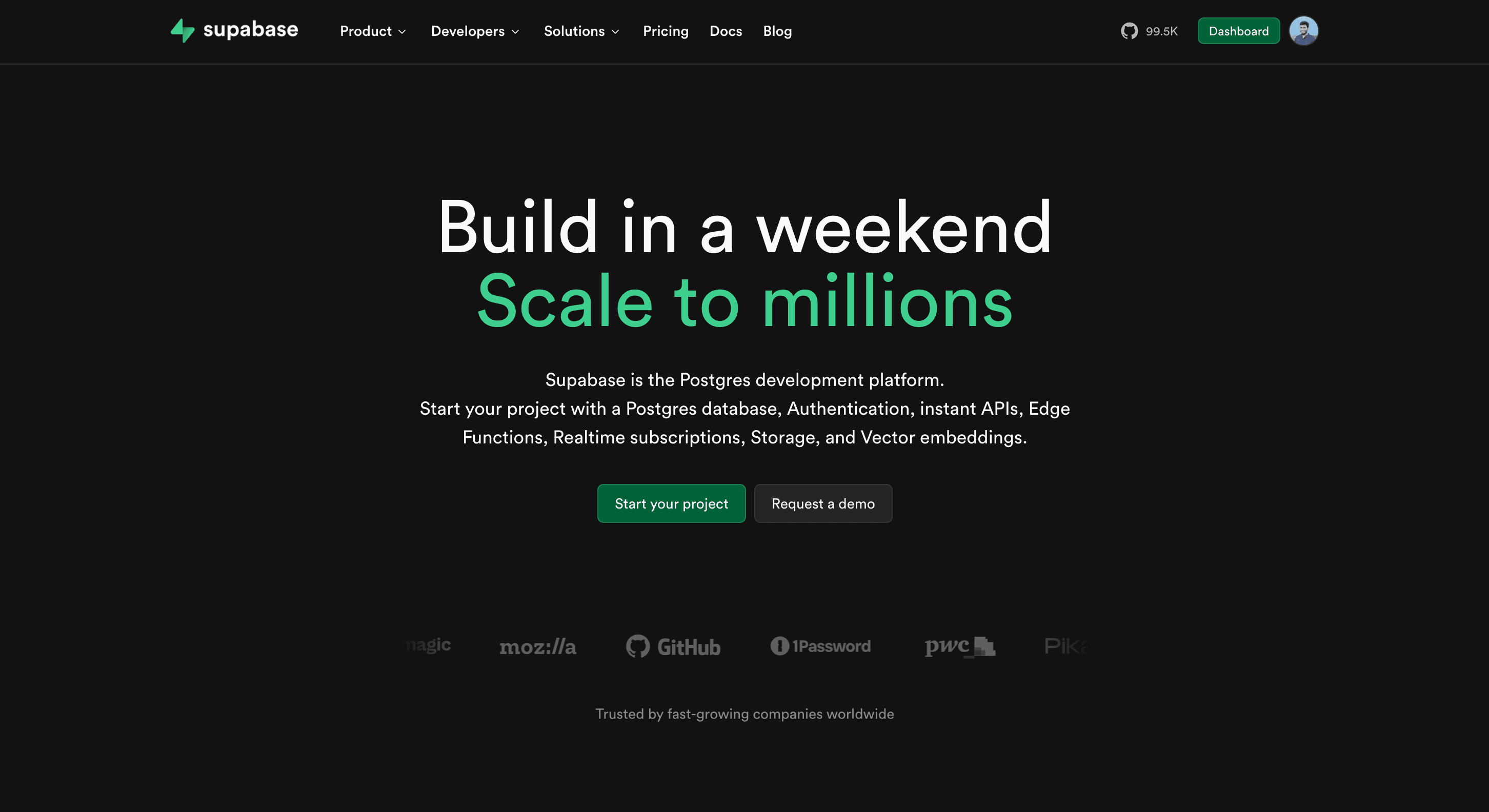
Supabase Integration: Build Full-Stack Apps for Free with Cocoding AI
Supabase Integration: Build Full-Stack Apps for Free with Cocoding AI

Building a full-stack application typically requires expertise in databases, authentication, file storage, and real-time systems. What if you could get all of this completely free and ready to use in minutes? With Cocoding AI's Supabase integration, you can build production-ready applications without writing backend code.
What is Supabase?
Supabase is the open-source Firebase alternative that provides everything you need for a modern backend:
- PostgreSQL Database - Powerful relational database
- Authentication - User management out of the box
- File Storage - Images, documents, videos
- Real-time Subscriptions - Live data updates
- Edge Functions - Serverless computing
- Auto-generated APIs - Instant REST and GraphQL
Best of all? Supabase offers a generous free tier perfect for getting started.
Supabase Free Tier Benefits
| Resource | Free Tier Limit |
|---|---|
| Database | 500 MB |
| Storage | 1 GB |
| Monthly Active Users | 50,000 |
| API Requests | Unlimited |
| Real-time Connections | 200 concurrent |
| Edge Functions | 500,000 invocations |
No credit card required to get started.
What You Can Build
Application Types
Cocoding AI + Supabase enables you to create:
Possible Applications:
├── CRM Systems
│   ├── Client management
│   ├── Project tracking
│   └── Communication logs
├── E-Commerce Platforms
│   ├── Product catalogs
│   ├── Shopping carts
│   └── Order management
├── Social Platforms
│   ├── User profiles
│   ├── Posts and comments
│   └── Follow relationships
├── Project Management
│   ├── Task boards
│   ├── Team collaboration
│   └── Progress tracking
├── Booking Systems
│   ├── Calendar integration
│   ├── Appointment slots
│   └── Confirmation emails
└── Content Management
    ├── Blog posts
    ├── Media library
    └── User-generated content
Core Features
Every Cocoding + Supabase app includes:
| Feature | Description |
|---|---|
| User Auth | Sign up, login, password reset |
| Database CRUD | Create, read, update, delete |
| File Uploads | Images, documents, media |
| Real-time | Live data synchronization |
| Row-Level Security | Users see only their data |
| API Protection | Secure endpoints |
Step-by-Step Setup Guide
Step 1: Create Your Supabase Account
- Visit supabase.com
- Click "Start your project"
- Sign in with GitHub, Google, or email
- Verify your account
Step 2: Create a New Project
- Click "New project"
- Enter project details:
- Name: Your app name
- Database Password: Store securely
- Region: Choose closest to users
- Click "Create new project"
- Wait 2-3 minutes for provisioning

Step 3: Get Your API Credentials
- Go to Settings > API
- Copy these values:
- Project URL:
https://xxxxx.supabase.co - Anon/Public Key:
eyJhbGci... - Service Role Key: For backend only
- Project URL:

Step 4: Set Up Your Database
Create tables using Supabase SQL editor:
-- Users table (extends auth.users)
CREATE TABLE profiles (
  id UUID REFERENCES auth.users PRIMARY KEY,
  username TEXT UNIQUE,
  full_name TEXT,
  avatar_url TEXT,
  created_at TIMESTAMP WITH TIME ZONE DEFAULT NOW()
);

-- Enable Row Level Security
ALTER TABLE profiles ENABLE ROW LEVEL SECURITY;

-- Users can only view/edit their own profile
CREATE POLICY "Users can view own profile"
  ON profiles FOR SELECT
  USING (auth.uid() = id);

CREATE POLICY "Users can update own profile"
  ON profiles FOR UPDATE
  USING (auth.uid() = id);

Step 5: Configure File Storage
- Go to Storage in Supabase
- Create a bucket (e.g., "avatars")
- Set public or private access
- Add storage policies:
-- Allow authenticated users to upload
CREATE POLICY "Users can upload avatars"
  ON storage.objects FOR INSERT
  WITH CHECK (bucket_id = 'avatars' AND auth.role() = 'authenticated');

-- Allow public viewing
CREATE POLICY "Public avatar access"
  ON storage.objects FOR SELECT
  USING (bucket_id = 'avatars');

Step 6: Generate Your Application
Describe your needs to Cocoding AI:
Build a CRM application with Supabase:
- User authentication (signup, login, logout)
- Client management (add, edit, delete clients)
- Project tracking linked to clients
- File attachments for client documents
- Real-time updates when data changes
- Dashboard with statistics
- React frontend with modern UI

Step 7: Configure Environment
Add your Supabase credentials:
# .env
NEXT_PUBLIC_SUPABASE_URL=https://xxxxx.supabase.co
NEXT_PUBLIC_SUPABASE_ANON_KEY=eyJhbGci...
SUPABASE_SERVICE_ROLE_KEY=eyJhbGci... # Backend only

Building a Complete CRM
Authentication System
Cocoding AI generates a complete auth flow:
Authentication Features:
├── Sign Up
│   ├── Email/password registration
│   ├── Email verification
│   └── Profile creation
├── Login
│   ├── Email/password
│   ├── Magic link option
│   └── Social providers
├── Password Reset
│   ├── Email reset link
│   └── New password form
└── Session Management
    ├── Persistent sessions
    ├── Auto-refresh tokens
    └── Secure logout
Client Management
Full CRUD for client records:
┌──────────────────────────────────────────────────────┐
│              Clients Dashboard                       │
├──────────────────────────────────────────────────────┤
│ [+ Add Client]  [Search...]  [Filter ▼]             │
├──────────────────────────────────────────────────────┤
│ Name          │ Company      │ Status   │ Actions   │
├───────────────┼──────────────┼──────────┼───────────┤
│ John Smith    │ Acme Corp    │ Active   │ [✏️][🗑️] │
│ Sarah Johnson │ Tech Inc     │ Lead     │ [✏️][🗑️] │
│ Mike Wilson   │ StartupXYZ   │ Active   │ [✏️][🗑️] │
│ Emma Davis    │ Global Ltd   │ Inactive │ [✏️][🗑️] │
└──────────────────────────────────────────────────────┘
Project Tracking
Link projects to clients:
┌──────────────────────────────────────────────────────┐
│         Project: Website Redesign                    │
│         Client: Acme Corp                            │
├──────────────────────────────────────────────────────┤
│ Status: In Progress                                  │
│ Budget: $15,000                                      │
│ Due Date: June 30, 2025                              │
├──────────────────────────────────────────────────────┤
│ Tasks:                                               │
│ ☑️ Discovery phase                                   │
│ ☑️ Wireframes approved                               │
│ ⬜ Design mockups                                    │
│ ⬜ Development                                       │
│ ⬜ Testing                                           │
│ ⬜ Launch                                            │
├──────────────────────────────────────────────────────┤
│ Documents:                                           │
│ 📄 Contract.pdf                                      │
│ 📄 Requirements.docx                                 │
│ 🖼️ Brand_guidelines.png                              │
└──────────────────────────────────────────────────────┘
Real-Time Updates
See changes instantly:
// Supabase real-time subscription
const subscription = supabase
  .channel('clients')
  .on('postgres_changes',
    { event: '*', schema: 'public', table: 'clients' },
    (payload) => {
      // Update UI automatically
      handleClientChange(payload);
    }
  )
  .subscribe();
Security Best Practices
Row Level Security (RLS)
Ensure users only access their data:
-- Users can only see clients they created
CREATE POLICY "Users view own clients"
  ON clients FOR SELECT
  USING (auth.uid() = user_id);

-- Users can only edit clients they created
CREATE POLICY "Users edit own clients"
  ON clients FOR UPDATE
  USING (auth.uid() = user_id);

-- Users can only delete clients they created
CREATE POLICY "Users delete own clients"
  ON clients FOR DELETE
  USING (auth.uid() = user_id);
API Key Security
| Key Type | Use Case | Exposure |
|---|---|---|
| Anon Key | Frontend client | Safe to expose |
| Service Role Key | Backend only | Never expose |
Storage Security
Protect file uploads:
-- Limit file types
CREATE POLICY "Only images allowed"
  ON storage.objects FOR INSERT
  WITH CHECK (
    bucket_id = 'avatars'
    AND (storage.extension(name) = 'png'
         OR storage.extension(name) = 'jpg'
         OR storage.extension(name) = 'jpeg')
  );

-- Limit file size (in application code)
const MAX_FILE_SIZE = 5 * 1024 * 1024; // 5MB
Use Case Examples
E-Commerce Platform
Database Schema:
- products (id, name, price, description, image_url)
- orders (id, user_id, status, total, created_at)
- order_items (id, order_id, product_id, quantity)
- reviews (id, product_id, user_id, rating, comment)
Features:
- Product catalog with search
- Shopping cart management
- Order processing
- Customer reviews
Social Platform
Database Schema:
- profiles (id, username, bio, avatar_url)
- posts (id, user_id, content, created_at)
- comments (id, post_id, user_id, content)
- follows (follower_id, following_id)
- likes (user_id, post_id)
Features:
- User profiles
- News feed
- Follow system
- Real-time notifications
Booking System
Database Schema:
- services (id, name, duration, price)
- availability (id, service_id, date, slots)
- bookings (id, user_id, service_id, datetime, status)
- reminders (id, booking_id, sent_at)
Features:
- Service catalog
- Calendar availability
- Online booking
- Email confirmations
Deployment Options
Vercel (Recommended)
Perfect for Next.js applications:
- Connect GitHub repository
- Add environment variables
- Deploy automatically on push
Cost: Free for hobby projects
Netlify
Great for static sites with serverless functions:
- Connect repository
- Configure build settings
- Add environment variables
Cost: Free tier available
Self-Hosted
Run anywhere with Docker:
# Clone your generated app
git clone your-app-repo

# Set environment variables
cp .env.example .env

# Start with Docker
docker-compose up -d
Comparing Backend Solutions
| Feature | Supabase | Firebase | Custom Backend |
|---|---|---|---|
| Database | PostgreSQL | NoSQL | Your choice |
| Auth | Built-in | Built-in | Build yourself |
| Storage | Built-in | Built-in | Configure S3 |
| Real-time | Built-in | Built-in | WebSockets |
| Cost | Free tier | Free tier | Hosting costs |
| Vendor lock-in | Low (open source) | High | None |
| Setup time | Minutes | Minutes | Days/weeks |
Advanced Features
Edge Functions
Add custom backend logic:
// supabase/functions/send-email/index.ts
import { serve } from 'https://deno.land/std/http/server.ts'

serve(async (req) => {
  const { email, subject, body } = await req.json()

  // Send email logic here

  return new Response(JSON.stringify({ success: true }))
})
Database Functions
Create reusable SQL functions:
CREATE OR REPLACE FUNCTION get_user_stats(user_uuid UUID)
RETURNS JSON AS $$
  SELECT json_build_object(
    'total_clients', (SELECT COUNT(*) FROM clients WHERE user_id = user_uuid),
    'total_projects', (SELECT COUNT(*) FROM projects WHERE user_id = user_uuid),
    'revenue', (SELECT COALESCE(SUM(amount), 0) FROM invoices WHERE user_id = user_uuid)
  );
$$ LANGUAGE SQL;
Scheduled Jobs
Automate recurring tasks:
- Daily report generation
- Weekly email digests
- Data cleanup routines
- Subscription renewals
Getting Started Today
Build your full-stack application for free:
- Sign up at cocoding.ai
- Create your Supabase project
- Describe your application
- Generate complete code
- Deploy and launch
Conclusion
Supabase democratizes backend development by providing a complete, production-ready infrastructure for free. Combined with Cocoding AI, you can build sophisticated full-stack applications in minutes instead of months.
Whether you're creating a CRM, e-commerce platform, social network, or booking system, Supabase provides the foundation while Cocoding AI builds the application. No backend experience required.
Stop paying for expensive backend services or spending weeks on infrastructure. Build your next application with Supabase and Cocoding AI today.
Your idea deserves a production-ready backend. Get it for free.
Questions about building with Supabase? Our team is here to help you create powerful applications without the complexity.